“It saved me from converting 100 photos by hand, or with online sites that don’t work (and ask for money anyway).”
Reskill0Translated from Italian
★★★★★
“A simple, easy and fast app. It does what it should. If only all apps were like this!”
NotsepluTVTranslated from Italian
★★★★★
“A fantastic app with a nice minimal design, and it works great.”
Mic798Translated from Italian
★★★★★
“A great app, really good-looking, lots of features, and very simple and clean, with no frills.”
Blanco91Translated from Italian
Screens
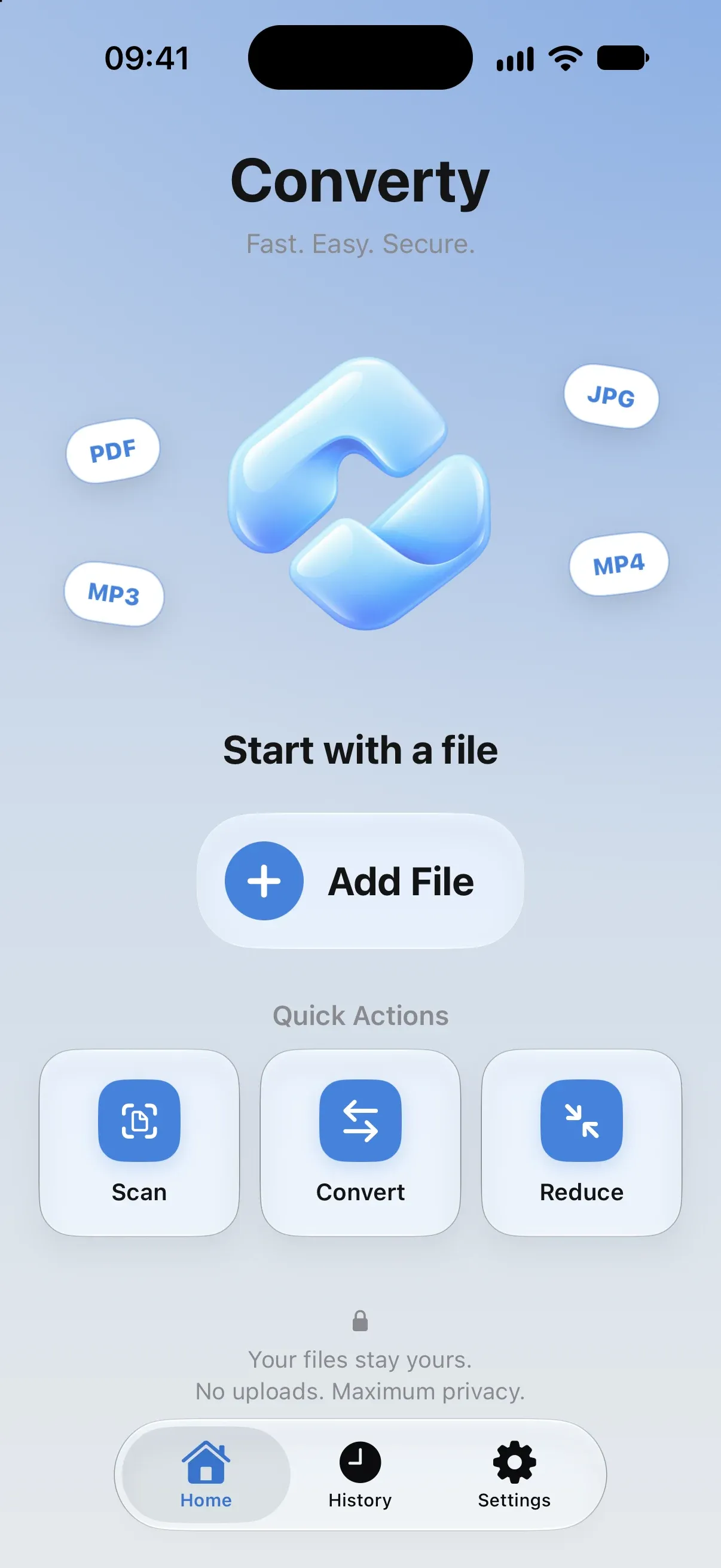
01 / 04Home
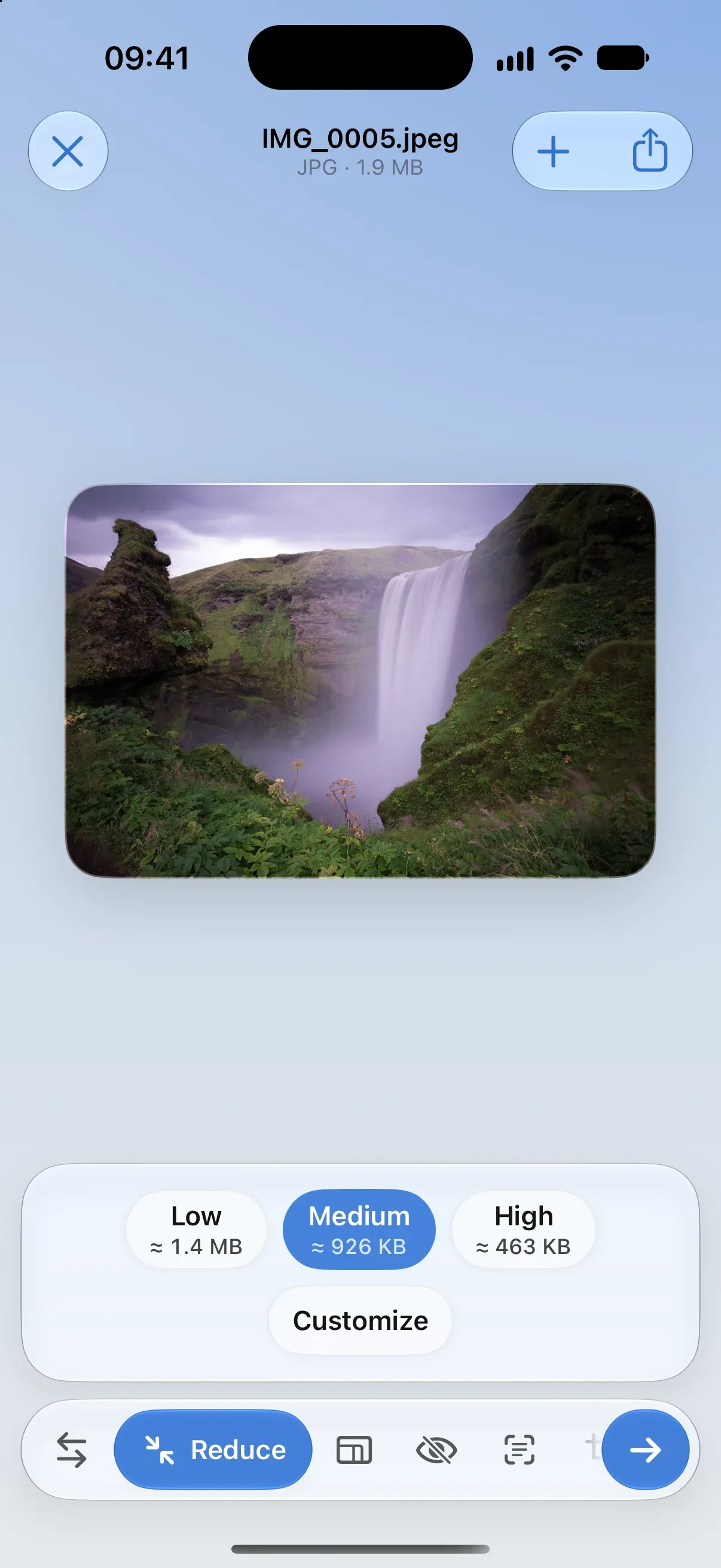
02 / 04Actions
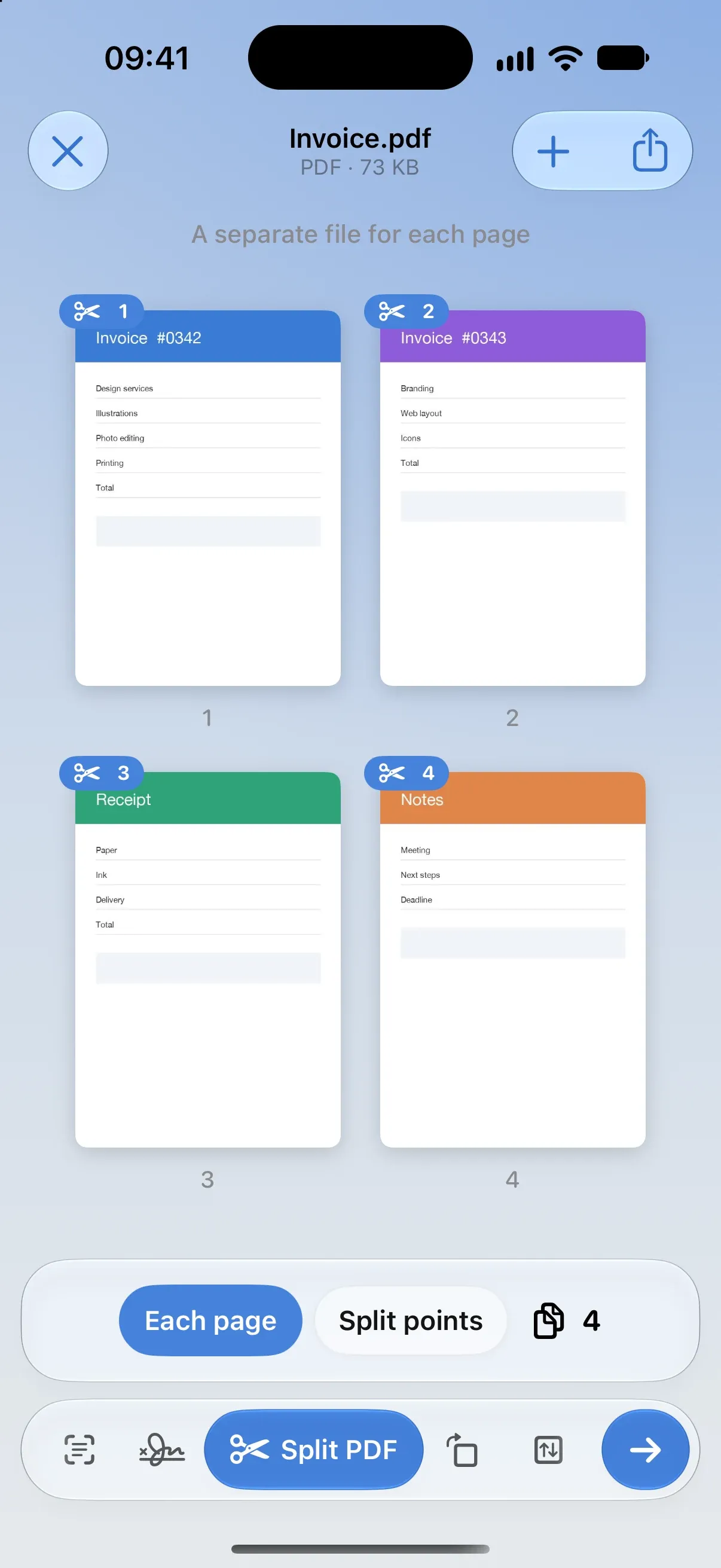
03 / 04Tools
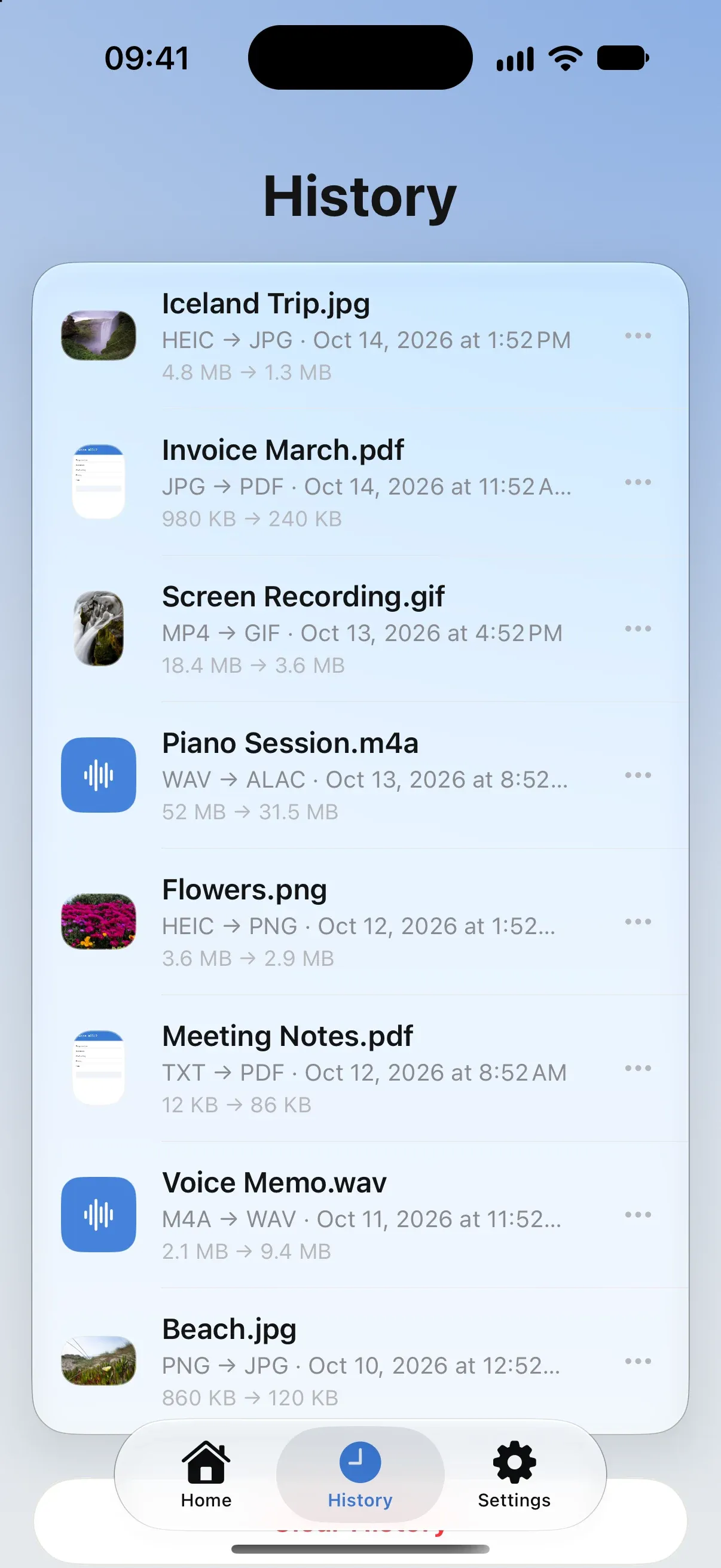
04 / 04History
Features
Convert anything
Images between HEIC, JPG and PNG, RAW and AVIF photos, documents into PDF, videos into GIFs and audio tracks into M4A, WAV or Apple Lossless — even from the share sheet.
Shrink file size
Compress in one tap with an estimate of the final size, or set the quality, the exact size or the pixels yourself.
Visual PDF tools
Fill in forms and sign, then split, rotate, reorder, extract and merge pages by moving them around.
Scan and recognize
Scan a document and Converty names it from its content. Extract the text from any photo, then edit it or save it.
The design
01 — The problem
Converting a file usually means shady websites, ads and uploads of private documents to unknown servers.
02 — The approach
An open file is a single screen, like Edit in Photos — a large preview, actions in a glass bar, and edits made right on the pages, videos and crops. No sheets, no abstract sliders.
03 — The outcome
A utility that feels like part of the system, with the Mac version coming on the same foundation.
Tech specs
Platforms
iOS
macOSComing soon
Stack
Swift · SwiftUI · PDFKit · AVFoundation · Vision · Foundation Models